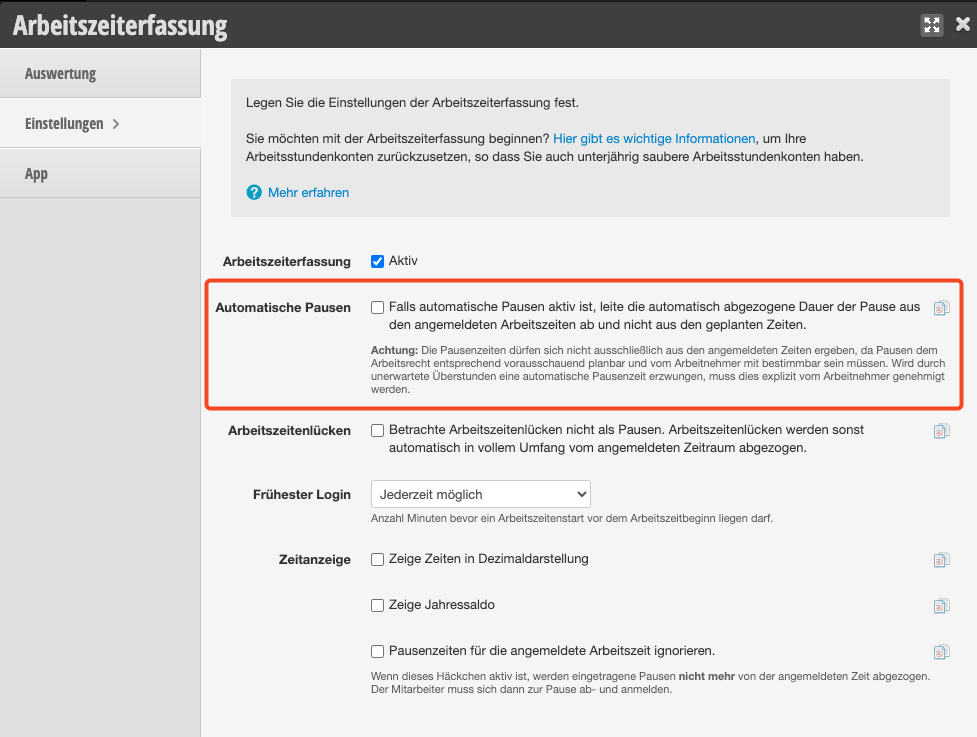
As a rule, your employees are required to take a break after a certain length of working time. The duration of this break depends on the total length of the working time. If your employees take these breaks flexibly and you don't want to schedule fixed breaks in the calendar, you can set it so that this break is automatically deducted from the working time in the statistics.
Activate automatic breaks
Under Settings > Shift schedule settings, you can activate the option "Breaks: Automatically add legally required break times in exports and reports."
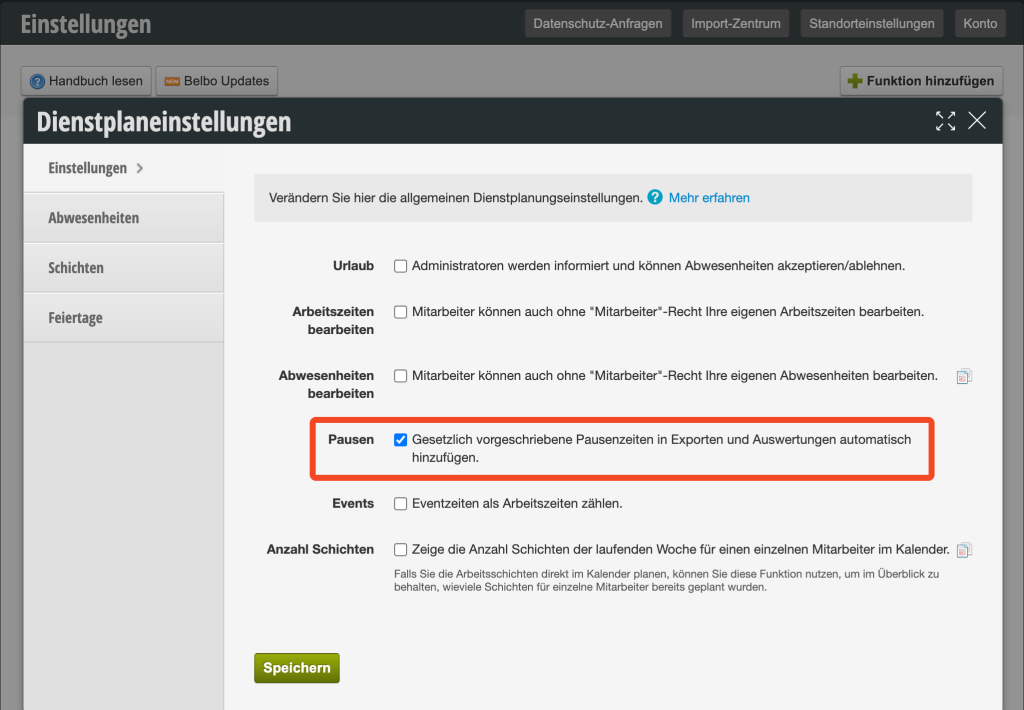
Fixed breaks no longer need to be scheduled in the shift schedule or calendar.
Display in time tracking
That automatic breaks are active can be seen in the time tracking by the asterisk next to the break duration.

Note: If this function is used in combination with time tracking, a setting can determine what the basis for the automatic breaks is. This option is located in the time tracking settings.