In Belbo, online booking can be designed very freely using CSS. Technical knowledge is very advantageous here. The Belbo team can help you implement your desired ideas.
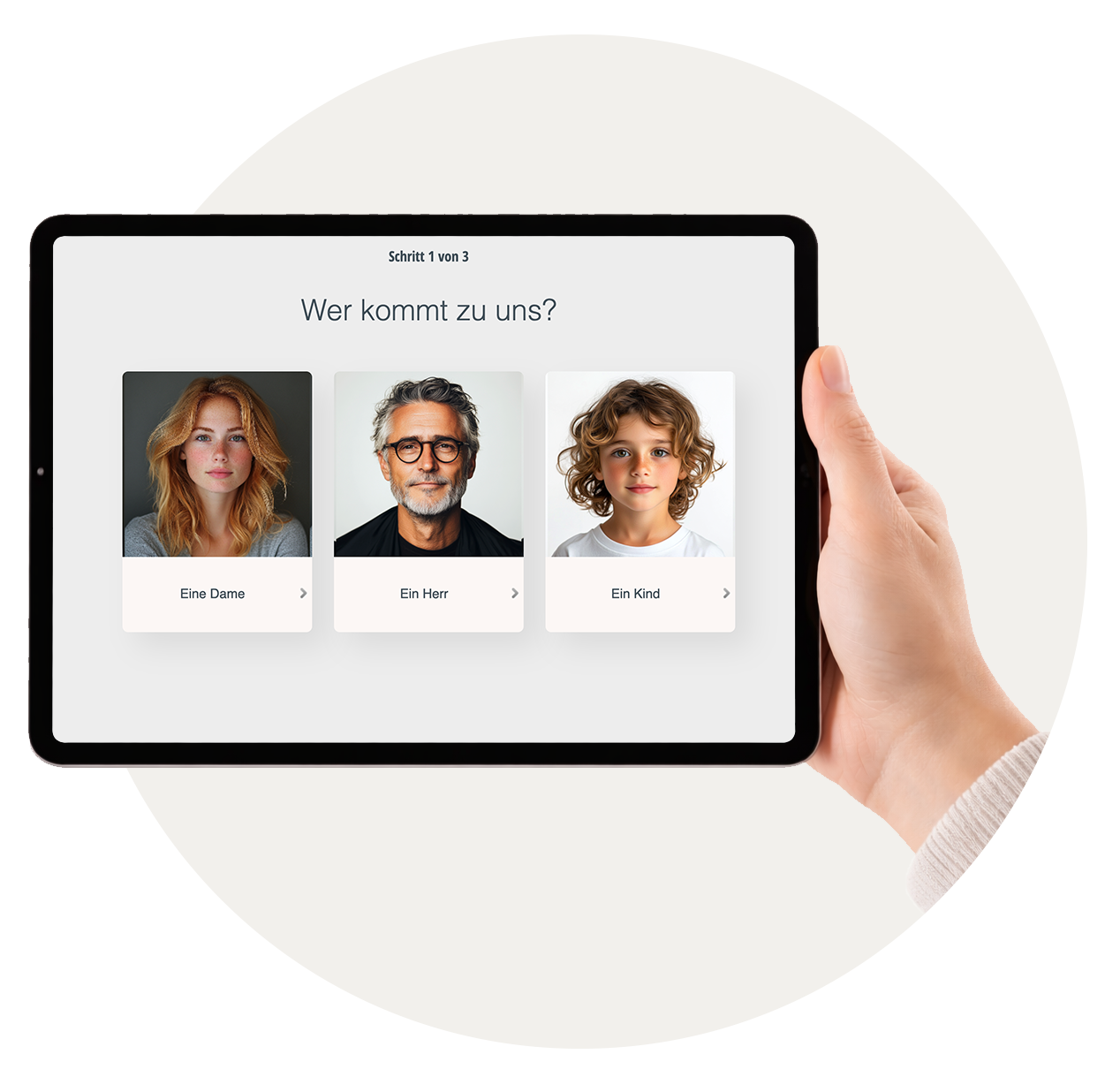
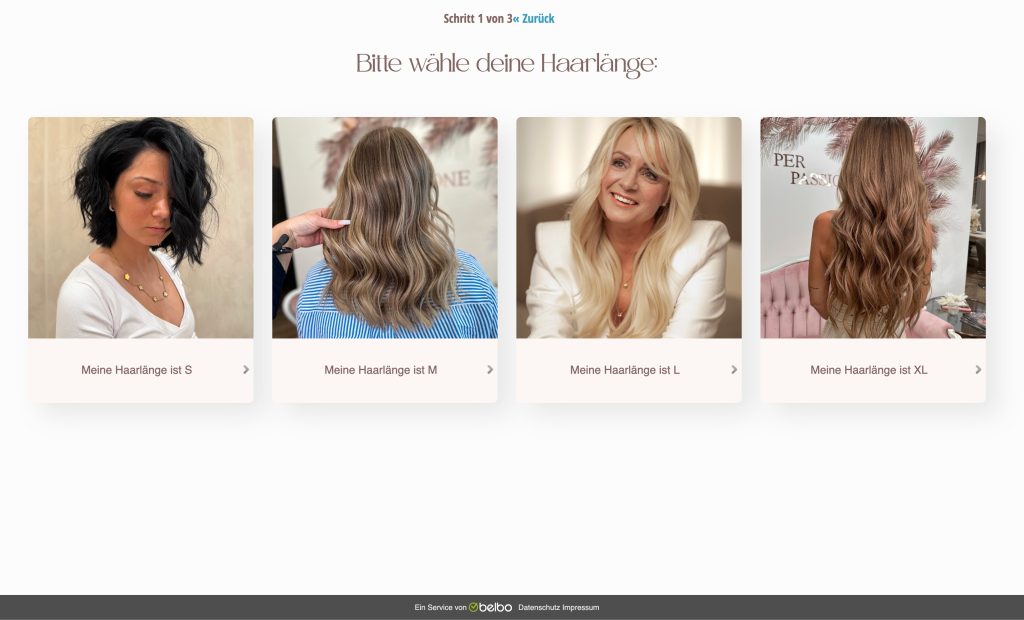
The booking can be supplemented with query steps or images to make it easier for customers to select the right services.
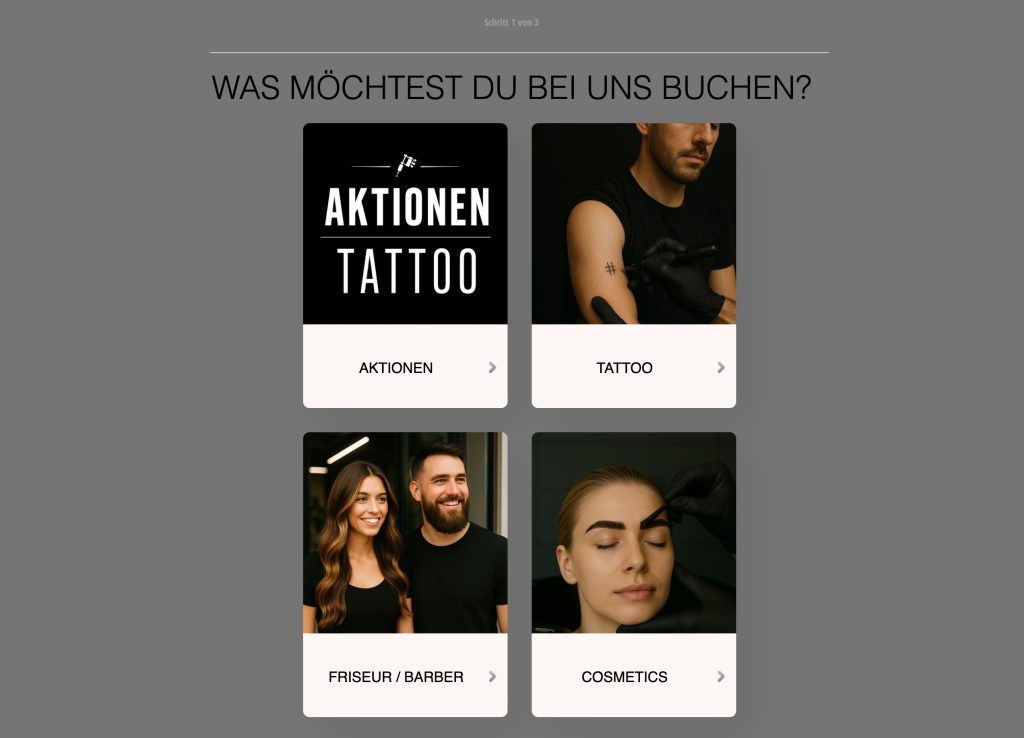
Timeless Stuttgart
Per Passione
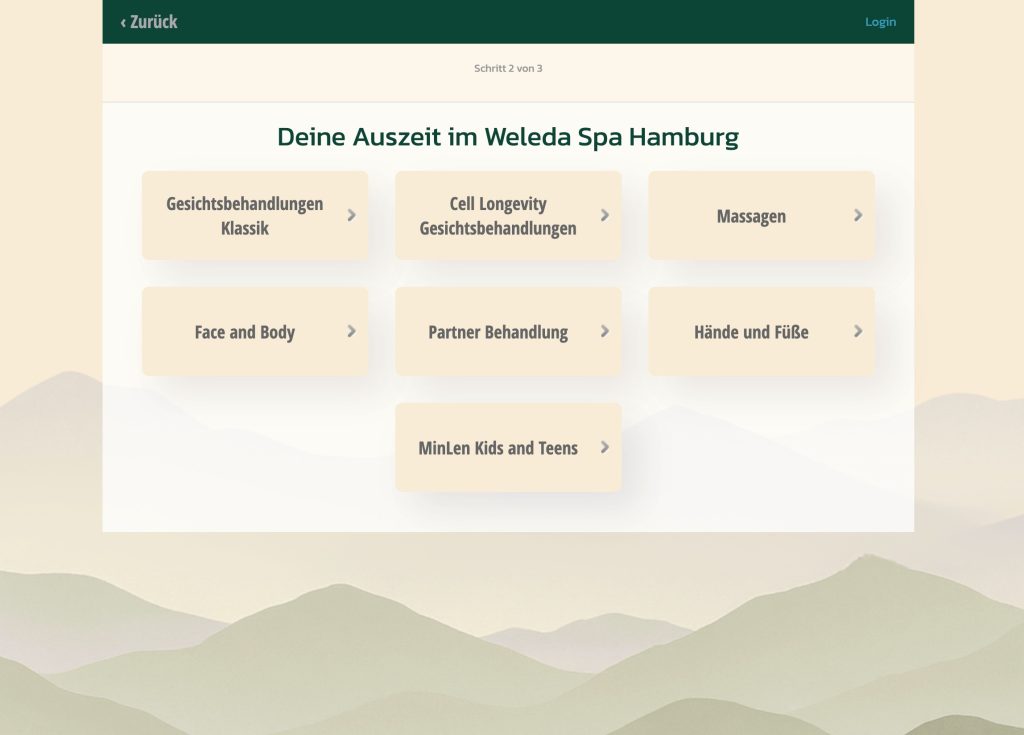
Weleda Spa
Plan your own booking process
Important: The concept comes from you, because you know your customers and services best. We then take care of the technology. It's best to start with one location if you have several.
We need this from you:
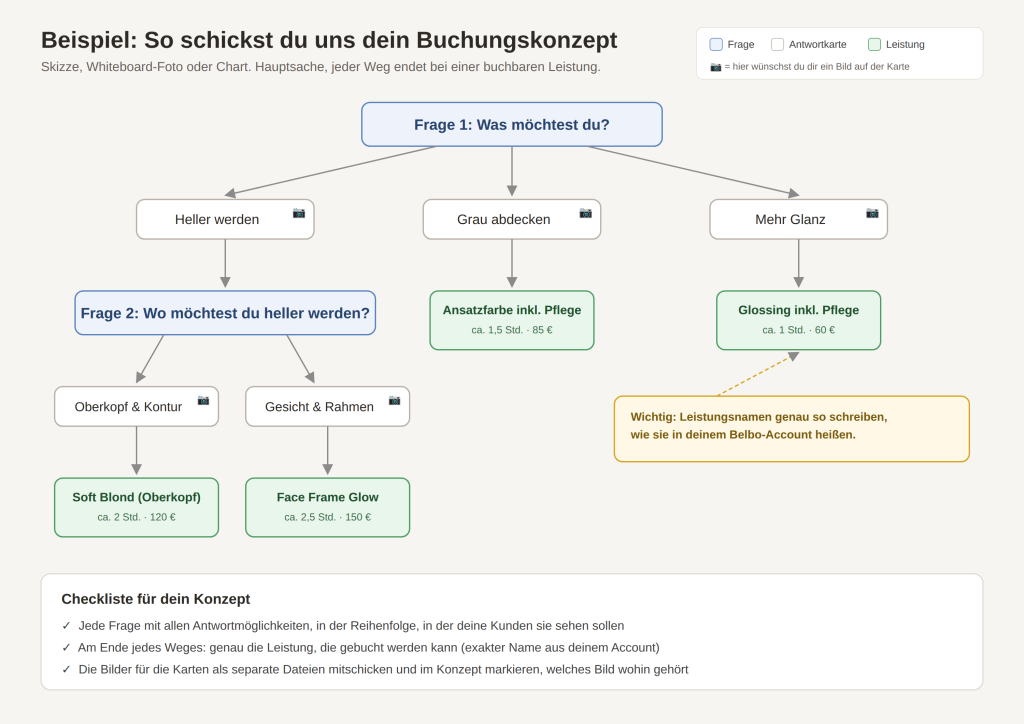
- Your questions and answer options, step by step (e.g. hair length, desired service)
- Very important: At the end of each question sequence, the exact service that can be booked there must be listed, exactly as you call it
- Your images for the selection cards (AI is also welcome, please note usage rights)
Whether sketch, whiteboard photo, chart or AI mockup doesn't matter. As long as we can understand every path from the first question to the service.
Once this data is available, we'll be happy to help you implement the booking as desired. Get in touch with your concept or questions via email at info@belbo.com or via the help chat in your calendar.