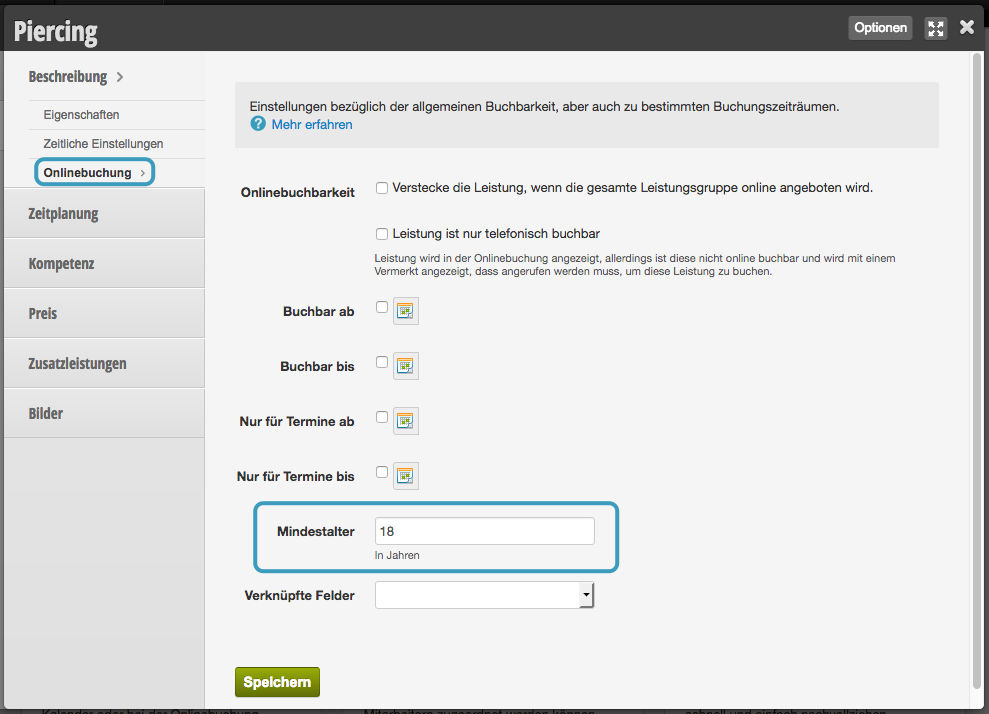
If you offer services that require a minimum age, you can set this for each service.
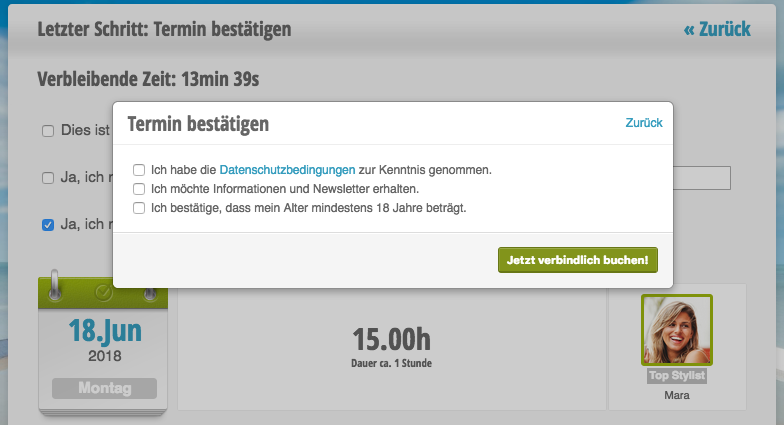
Age verification in online booking:
Manage Minimum Age
To set the minimum age for certain services, after activating this function, you can set the minimum age in each service.
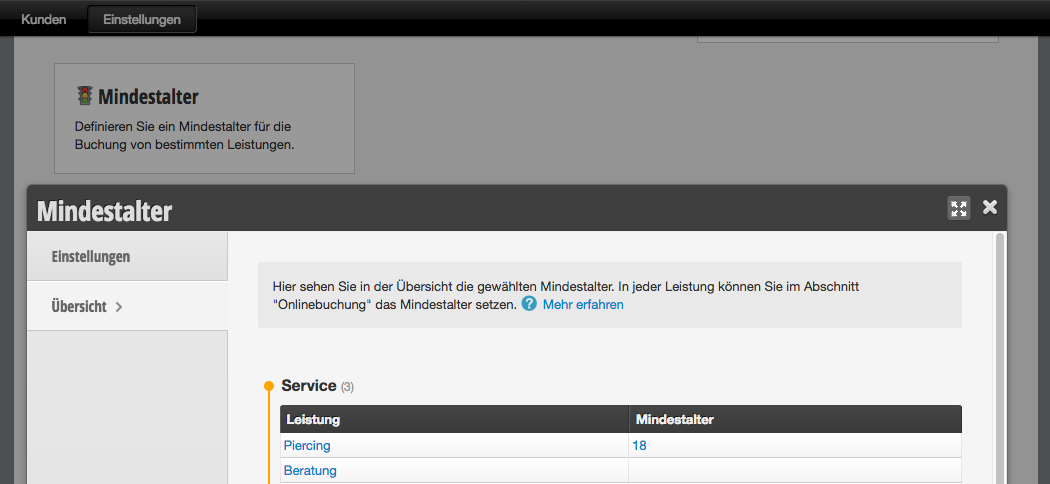
Minimum Age Overview
In the overview, you can see which of your services you have set a minimum age for.
Set Minimum Age
Click on the service in the overview to which you want to assign a minimum age. In the "Online Booking" submenu, you can enter the minimum age. If it is set to "0", the customer will not be asked to confirm their age.