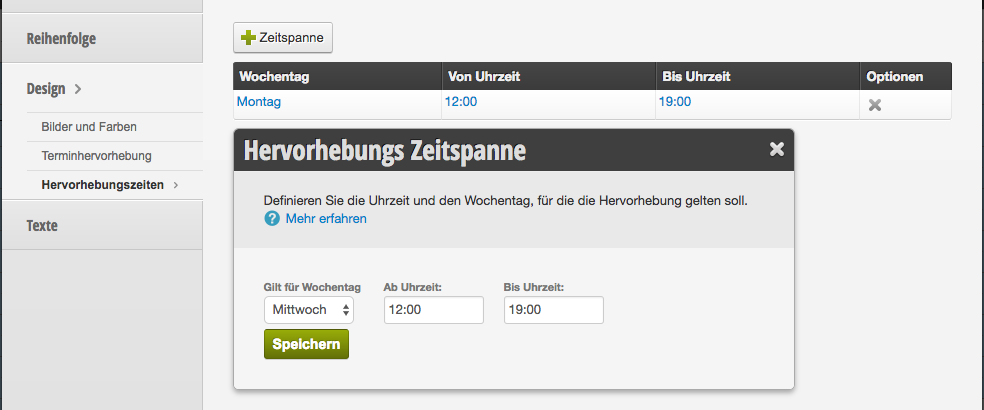
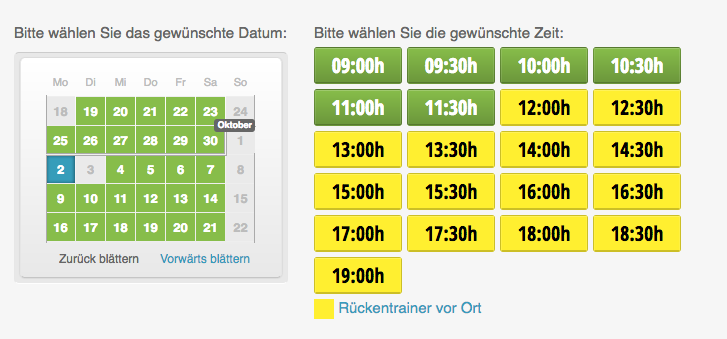
If you offer special appointments on certain days, you can mark these times with color.
Creating the highlighting color
First, define the highlighting color and give the highlighting a name. When the user clicks on the name label in the online booking, the longer description text appears, which you can write under Description Text.
Creating the highlighting times
Then define under highlighting times the days of the week and times at which the highlighting should be visible in the online booking.