
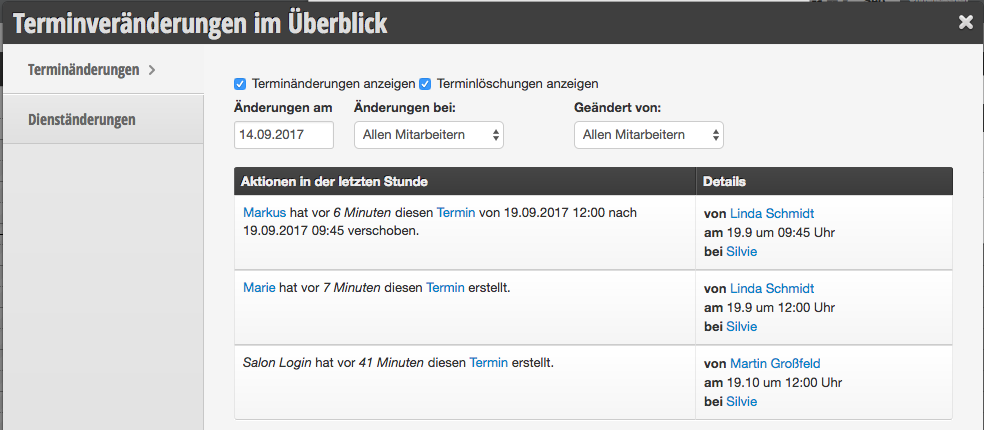
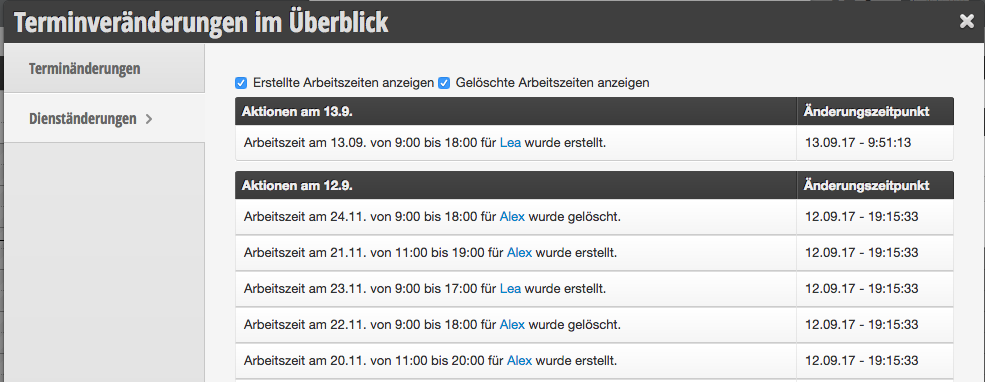
The protocol allows you to track what has been done in your calendar recently. This includes, for example, appointment saves, changes, and deletions.

Appointments removed by unknown users
If you allow booking without prior login, it may happen that you see customers without names in your protocol who perform actions.

The unknown users are non-logged-in customers who click on an appointment in the online booking. This creates an appointment draft in the calendar, which is also visible on-site (transparent dashed). This prevents double bookings.
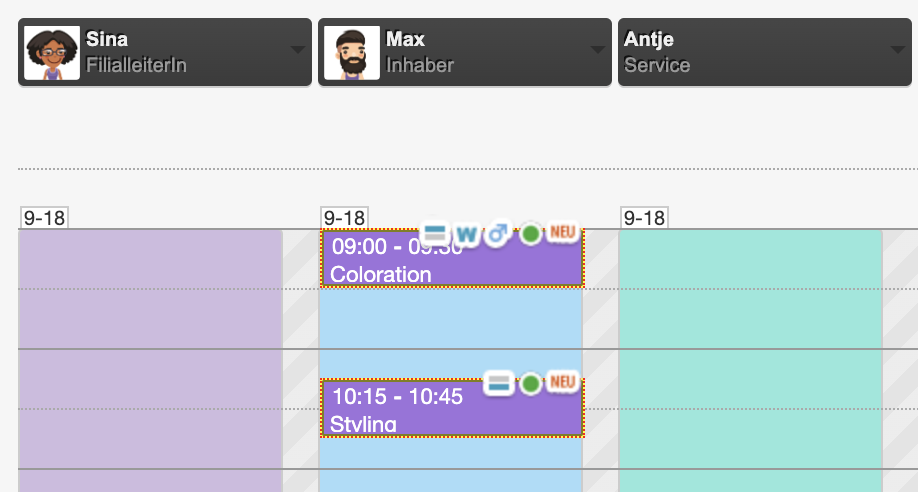
If the customer decides to change their mind in the next step and clicks on a different time or cancels the booking before logging in, the draft is removed and a corresponding protocol entry is created with an unknown name. The customer's name can only appear in the protocol once the customer logs in or fills in their details in the booking.
Appointments removed by the system
It may happen that you see in the protocol a notice that neither an employee nor a customer cancelled an appointment. This happens exclusively when an appointment is not completed within the time you have set. Typically, this period is 15 minutes.

This can happen in the following cases:
- An employee clicks on the calendar at the desired time and begins entering an appointment, but does not complete the process by clicking "Save". She also does not cancel the process via the "Cancel" button or by clicking on the calendar again, for example because she gets distracted.
- A customer selects an online time for the appointment but does not complete the booking by clicking "Book now", but only closes the browser window.
In these cases too, clicking on the desired time initially creates an appointment draft, which from that point on is no longer bookable for customers and already appears to colleagues as a "dotted" draft in the calendar. This makes unnoticed double bookings in the calendar impossible.
To ensure that the appointment becomes available again after an improper cancellation of the booking, the draft is automatically deleted after the reservation period (typically 15 minutes).