belbo
  • Overview
    • Getting to know Belbo
    • Location Settings
    • Switch to Belbo
    • Calendar View & Navigation
    • Recurring Appointments & Courses
    • Appointment Entry & Management
    • Logins & Permissions
    • Multiple Locations & Head Office
    • Manage Employees
    • Absences & Holidays
    • General
    • Working Hours
    • Time Tracking
    • Data Protection (GDPR)
    • Customer Communication (Email, SMS)
    • Customer Management & Records
    • Bonus & Loyalty Programs
    • Campaigns (Newsletter & SMS)
    • Marketing Consents (GDPR)
    • Tracking & Analytics
    • Overview
    • Services & Prices
    • Products
    • Service Packages & Subscriptions
    • Vouchers
    • Purchasing & Suppliers
    • Stock & Inventory
    • Scanning & Sales
    • Cost of goods & expenses
    • Design & Texts
    • Setup & Settings
    • Integration (Website, Google, Instagram, Facebook)
    • Online payment
    • Accounting & Exports
    • Cash Register Settings & Hardware
    • Checkout process
    • Daily Closing & Reports
    • TSE & Cash Register Anti-Tampering Ordinance
    • Export Overview
    • Employee Utilization
    • Revenue & Reports
    • Belbo Satellite
    • Printer
    • EC Terminal & Card Payment
    • Troubleshooting Hardware
    • Scanner & POS Devices
    • General Settings
    • API & Integrations
    • Notifications & Emails
    • Contracts & Legal
Skip to content

Password forgotten

You have forgotten your access credentials and can no longer log in to your app or calendar? You have the following options.

  • Check whether the Caps Lock key on your keyboard is active. This can cause your password to be rejected!
  • Check whether you can log in from a different device and then check your username again if necessary.
  • Check whether you are using the correct email address and ask a logged-in colleague if necessary to check the email address in your profile.
  • Have an email sent to you

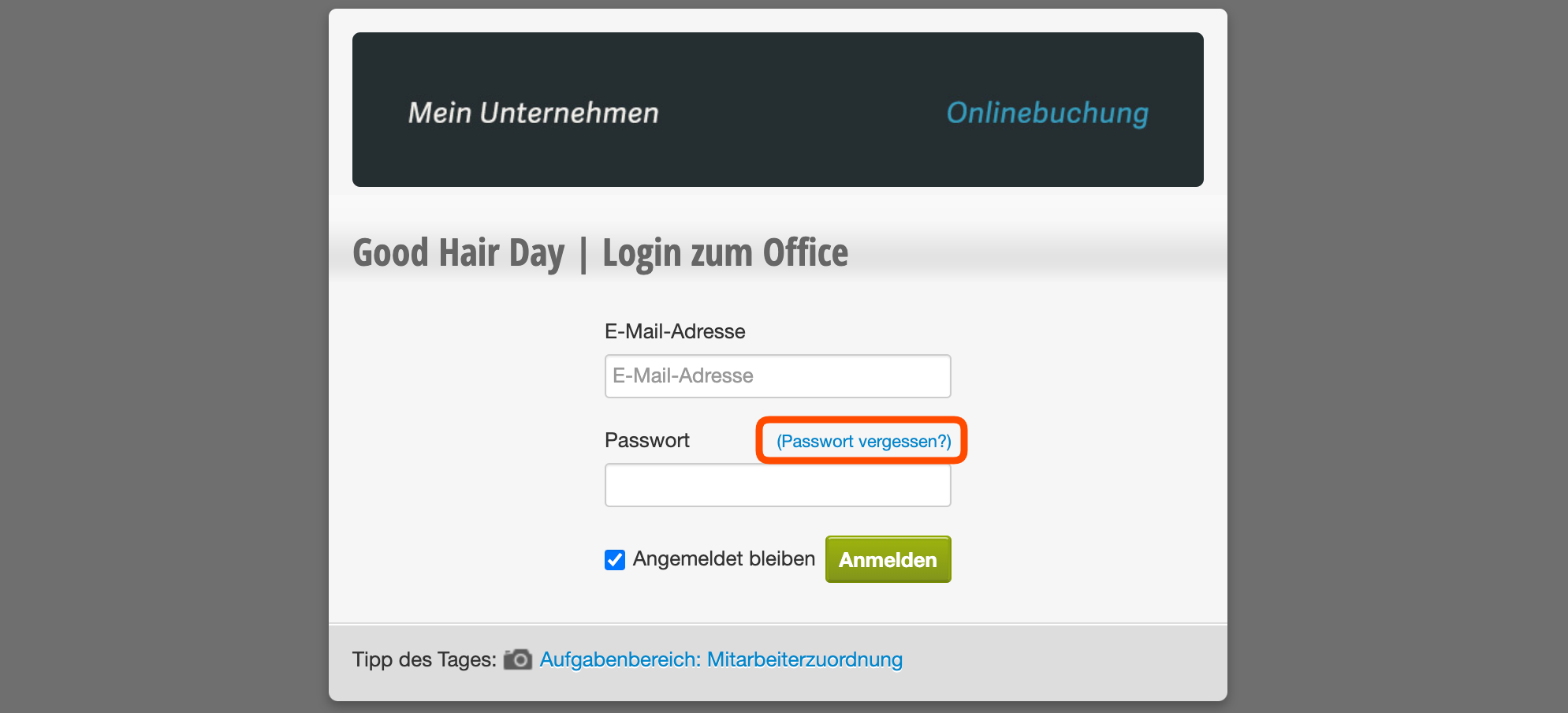
    You can have a message sent to the email address with which you log in, via which you can set a new password. You will find this function:

    Login page

    On the login page of your calendar below the password entry. To get there, you may need to log out.

    In the calendar

    Under Settings > Employees, after clicking on the employee whose password you want to change, in the "Login" tab. Here you can select "Change password" and then click on "Forgot password".
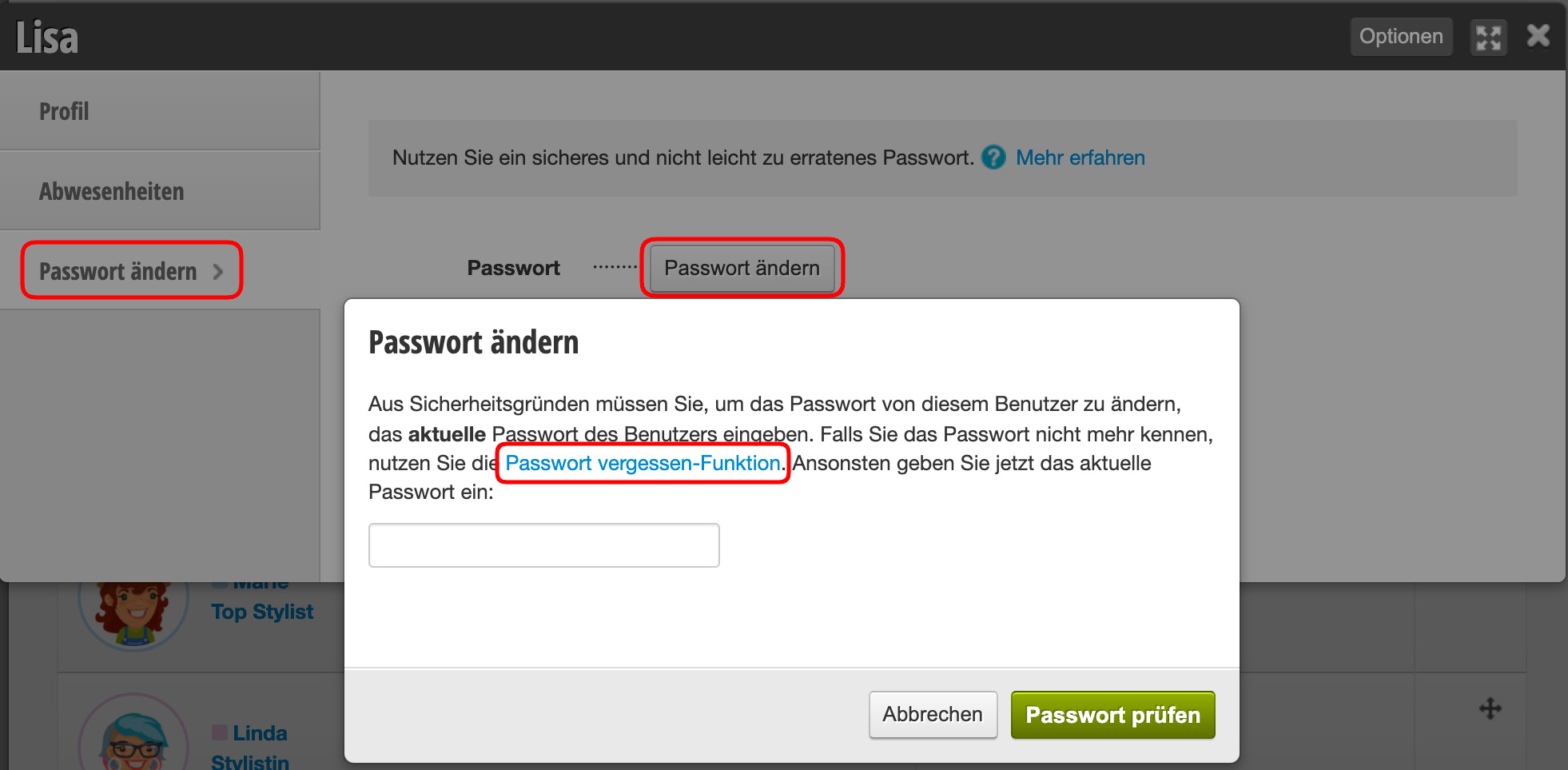
    You will receive an email with instructions for resetting your password.

For security reasons, we recommend you choose a new, secure password every 3 months.

Categories: General Settings
This manual is a service by belbo. Legal notice