
You can set the basic settings for sending reminder and confirmation SMS yourself.
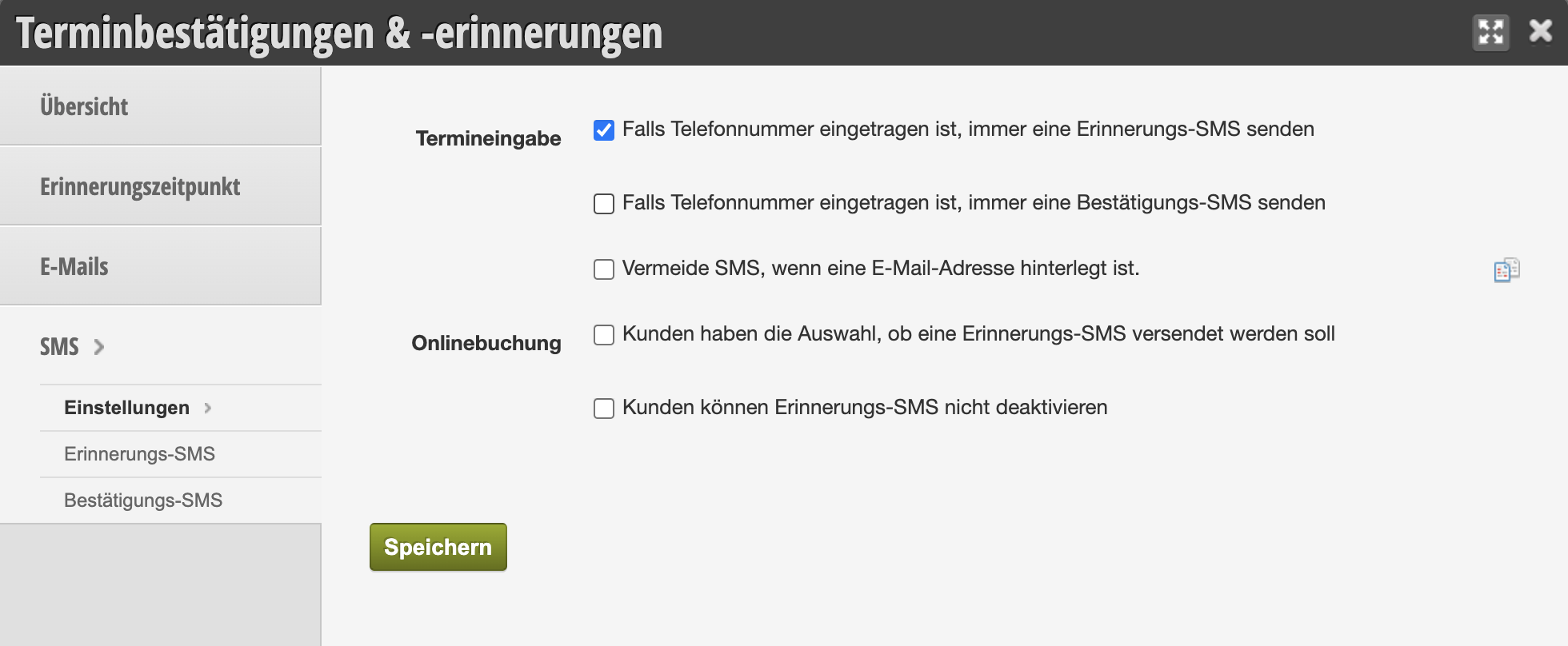
Appointment Entry
Set the default settings for your Belbo calendar. When you create a new appointment in the calendar, you can specify whether confirmation and reminder should be sent via SMS in any case. If you disable these options, you can pay attention to this yourself when creating an appointment, but this can lead to errors.
Avoid SMS if an email address is on file
If you want to save costs, you can activate this function. In this case, an SMS will only be sent if a customer has only a mobile number but no email address in their profile.
Customers have the choice whether a reminder SMS should be sent
Customers see the mobile number to which an SMS will be sent in the online booking and can change it.
Customers cannot disable reminder SMS
If you enable this function, customers will no longer have the choice in online booking whether they want to receive a reminder SMS. In this case, an SMS will always be sent if the customer has a mobile number in their profile.